
Dependent Drop-Down List Excel Template (Practice File)
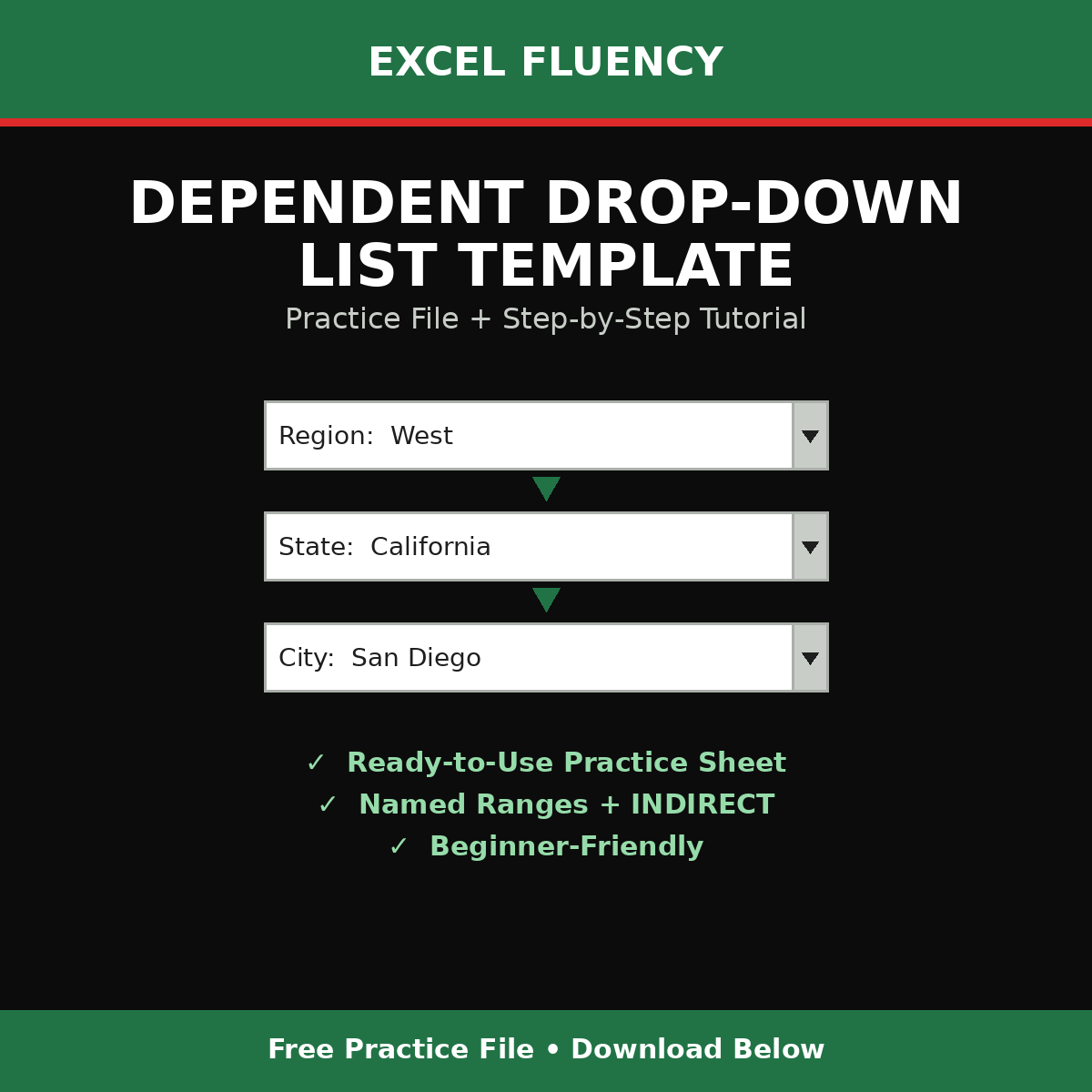
Learn how to build cascading (dependent) drop-down lists in Excel. The kind where picking a Region automatically filters your State list, and picking a State filters your City list: no typos, no messy data, no VBA required.
This is the exact practice file used in the Excel Fluency tutorial. It's a single-sheet starting workbook with the form layout and sample data already in place, no Named Ranges, formulas, or Data Validation yet. So you can follow the video step by step and build the dependent drop-downs from scratch.
What's inside: ✓ Ready-to-use practice workbook (1 sheet) ✓ Sample Region → State → City dataset to build from ✓ Reusable technique for expense forms, vendor forms, budget entry sheets, and more.
Want more ready-to-use Excel templates like this one? Browse the full Excel Fluency shop at https://excelfluency.com for more tools built specifically for accounting, finance, and everyday spreadsheet work.