


Personal Budget Tracker PRO — Excel Template 2026 | Dashboard, Charts & Auto-Calculations
KNOW EXACTLY WHERE YOUR MONEY GOES — EVERY MONTH
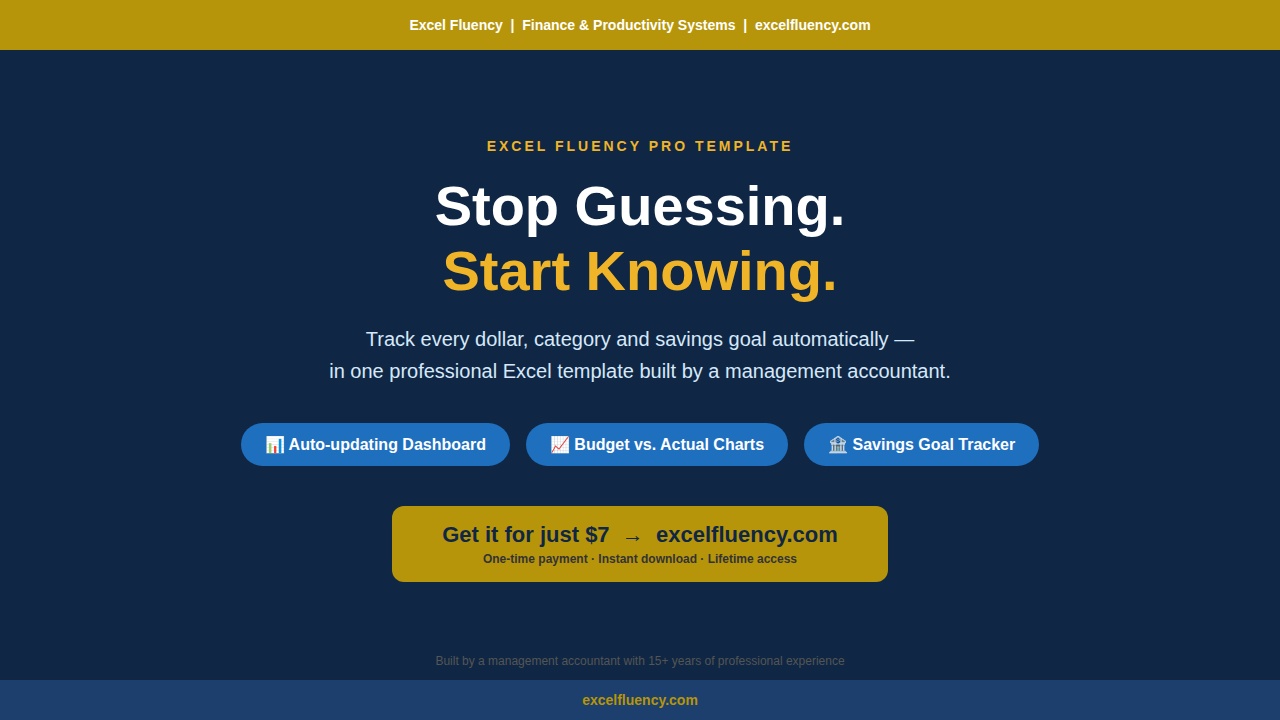
This professional Excel budget tracker gives you a complete personal finance system in one clean, beginner-friendly spreadsheet. Built by Excel Fluency, run by a management accountant with 15+ years of professional experience. This template applies real accounting principles to your personal finances. Separate income from expenses correctly, track every category against your budget, and watch your live dashboard update automatically as you enter each transaction.
What Is Included
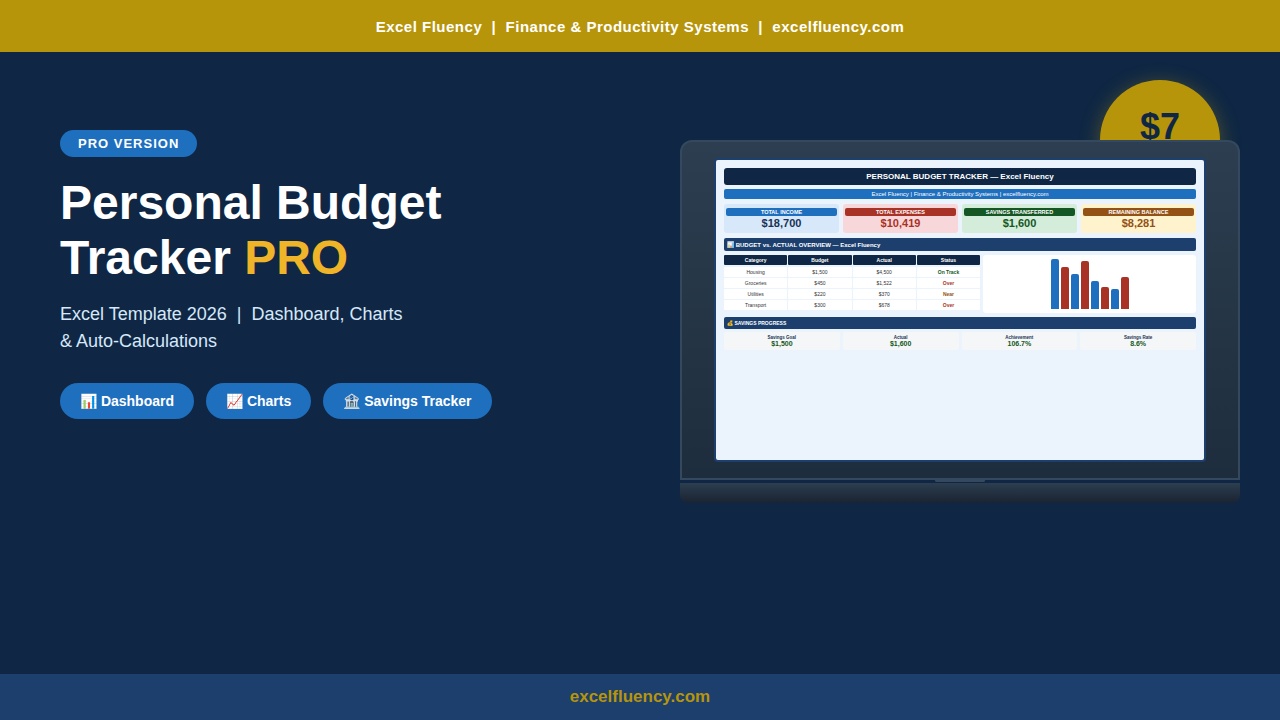
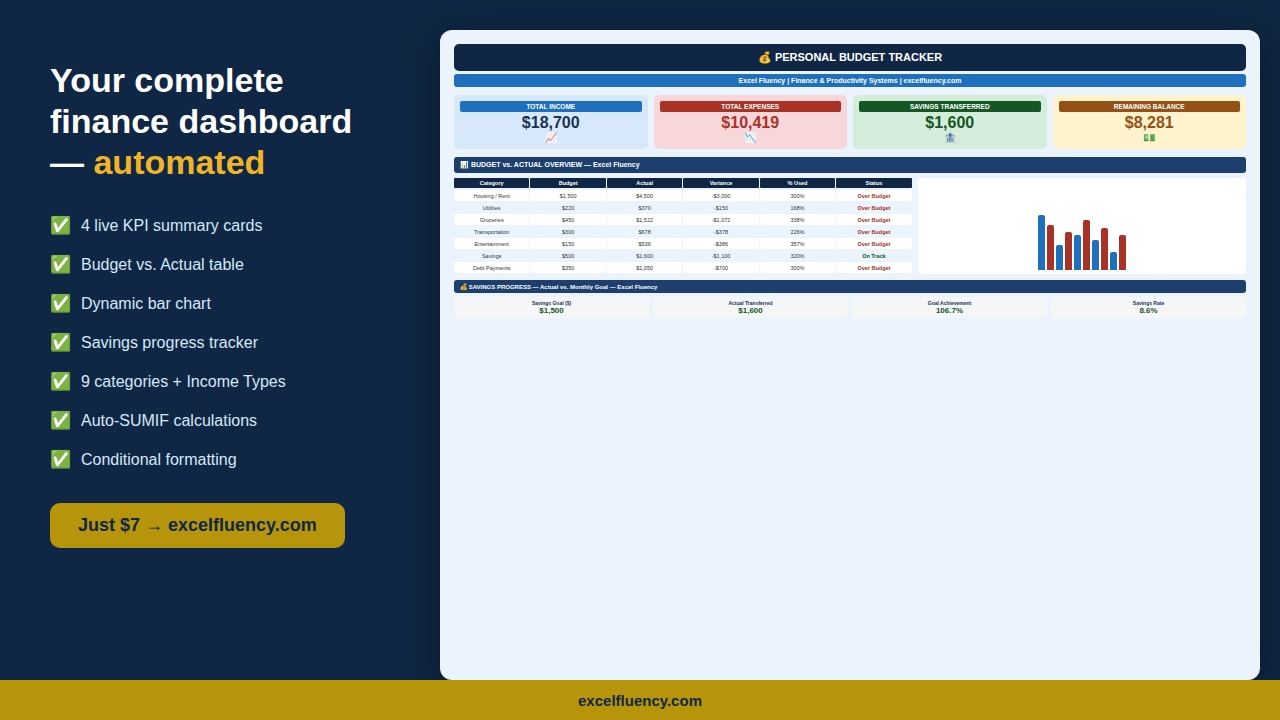
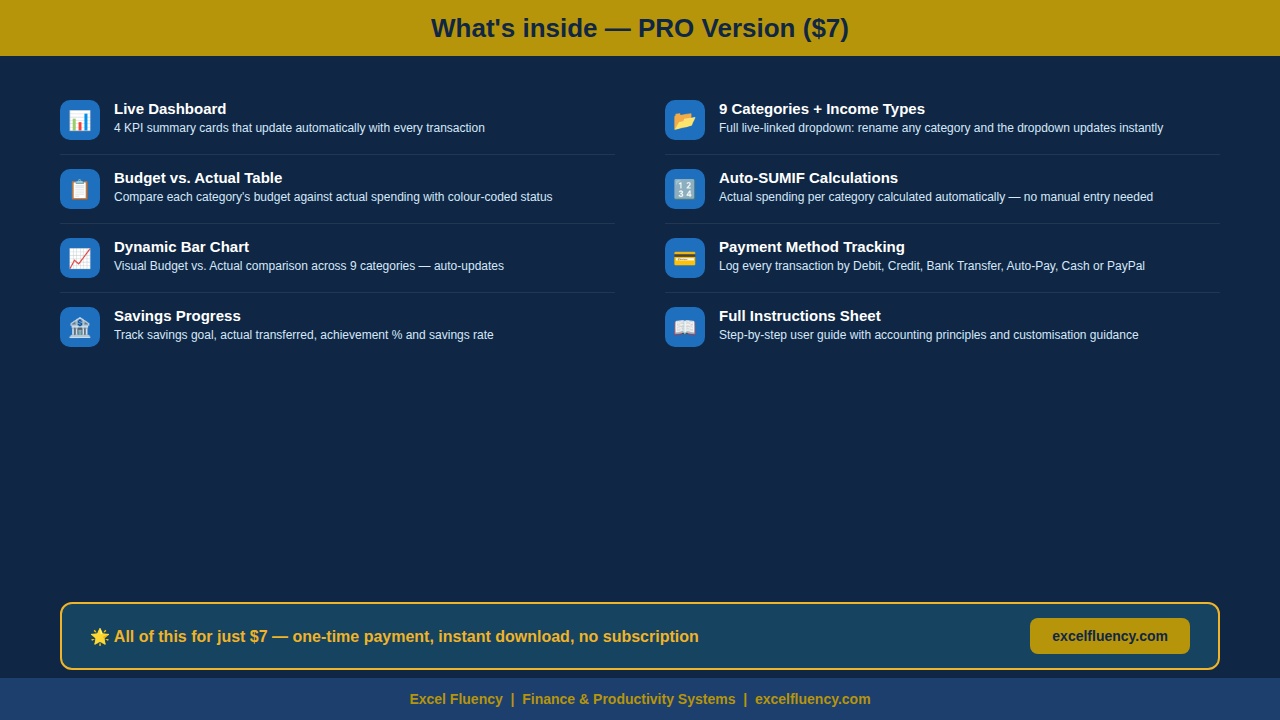
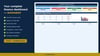
✅ Live Dashboard — 4 KPI cards (Total Income, Total Expenses, Savings Transferred, Remaining Balance) that update automatically with every transaction
✅ Budget vs. Actual Table — compares each category budget against actual spending, with automatic On Track / Near Limit / Over Budget status
✅ Dynamic Bar Chart — visual Budget vs. Actual comparison across all 9 categories, auto-updates as you add data
✅ Savings Progress Panel — monthly savings goal, actual transferred, goal achievement %, and savings rate
✅ Monthly Transactions Sheet — 55 rows: Date, Description, Category, Income, Expense, Payment Method, Notes
✅ Budget Categories Sheet — 9 expense categories with auto-SUMIF, data bars, and conditional formatting
✅ Full Category Dropdown — 4 Income Types + 9 Expense Categories, live-linked to Budget Categories (rename any category and the dropdown updates instantly)
✅ 3 Months Sample Data — January, February, March 2026, USA-based (37 transactions pre-loaded)
✅ Instructions Sheet — step-by-step guide covering every feature, protection, customisation, and accounting principles
✅ Worksheet Protection — formula cells locked (Password given), all data entry cells remain editable
Accounting Standards Applied
📐 Income and expenses classified separately — revenue never mixed with expense categories
📐 4 Income Types (Employment, Freelance, Investment, Other) kept distinct from 9 Expense Categories
📐 Savings Transferred treated as appropriation of surplus — not as income
📐 Cash basis accounting — transactions recorded in the period they occur
📐 Remaining Balance = Total Income − Total Expenses, presented as net cash position
Who This Is For
Perfect Fit ✅
Freelancers & Self-Employed
SME Owners
Finance Professionals
Free Version Upgraders
Technical Details
📌 Format: .xlsx (Microsoft Excel)
📌 Compatible: Excel 2016, 2019, 365, Google Sheets
📌 Sheets: Dashboard, Monthly Transactions, Budget Categories, Instructions
📌 55 transaction rows | 4 Income Types + 9 Expense Categories (13 total in dropdown)
📌 Sample data: January–March 2026, USA-based (37 transactions)
📌 Protection password: disclosed in the instructions sheet
📌 No macros, no add-ins, no subscription — one-time download
Not sure yet? Download the FREE version first at excelfluency.com — the same Dashboard and Transactions sheet so you can see the quality before upgrading.